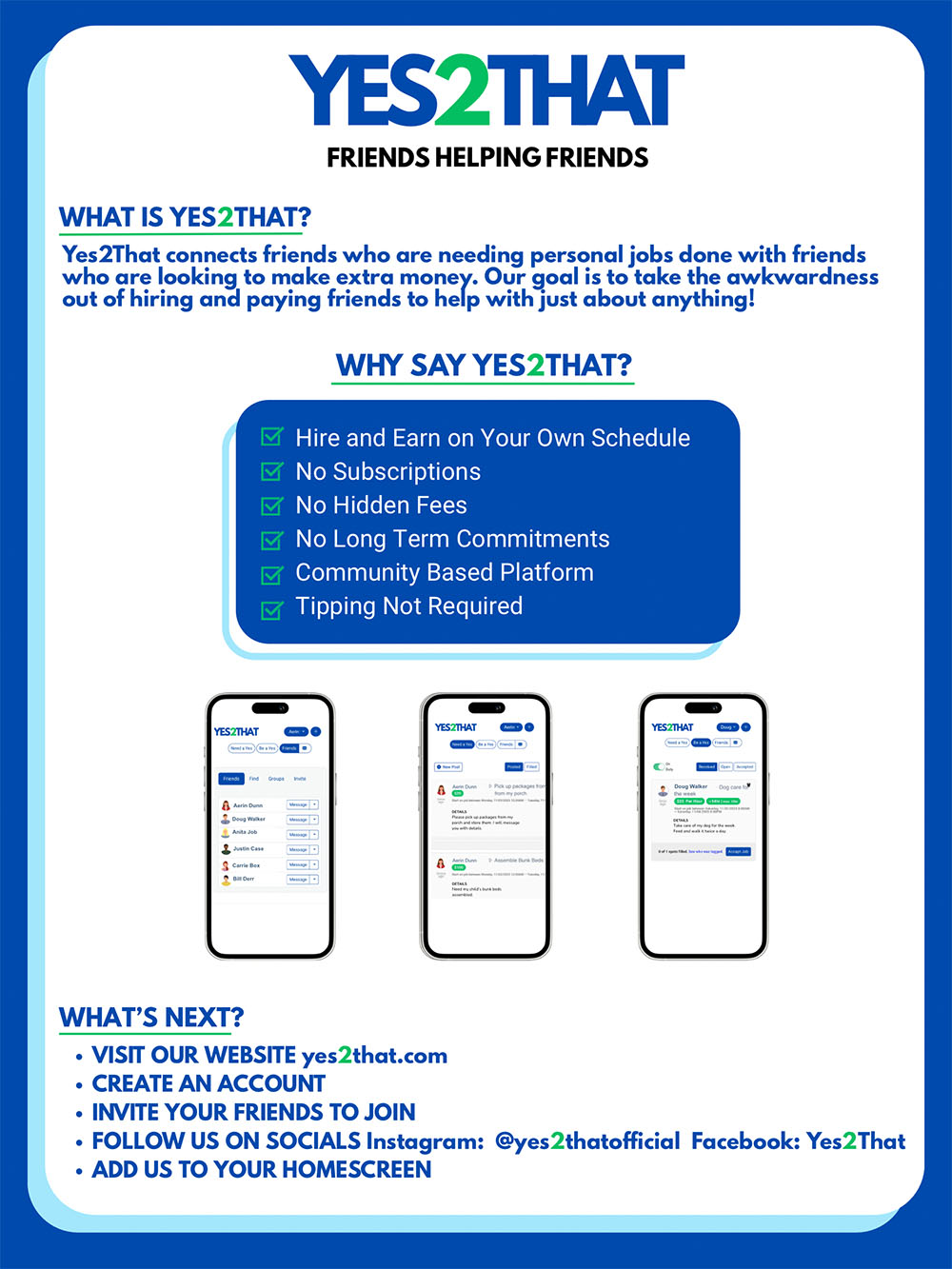
Use Yes2That as an App
iPhone
- Log into Yes2That and navigate to the dashboard.
- While the dashboard is open, click on Share ().
- If you don't see , click on then
- Click on More ().
- Select "Add to Home Screen".
Android
- Log into Yes2That and navigate to the dashboard.
- While the dashboard is open, click on the menu.
- Select "Add to Home Screen".